
Spindle Document Management has two main components:
Spindle Document Management Server
Installed on the same server where the Sage 200 database resides.
Spindle Document Management Client
Installed on the end user’s computer.
The instructions below explain how to check which version of the Server and Client you are currently using.
How to find Your Spindle Document Management Server Version
Open Spindle Document Management Server Administration.
The version number is displayed in the bottom left corner of the window.
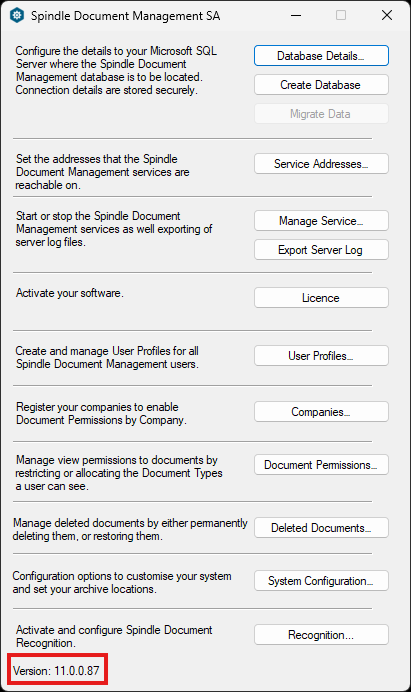
Spindle Document Management Server Version
How to find Your Spindle Document Management Client Version
Open Spindle Document Management Client Administration.
The version number is displayed in the bottom left corner of the window.
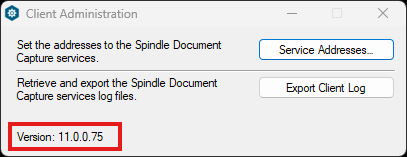
Spindle Document Management Client Version